Logging In
PMP4PG is a web-based application accessible from any modern browser. Authentication is required to access the platform.
Accessing the Platform
Open your browser and navigate to:
http://<server_ip>:8080/pmp
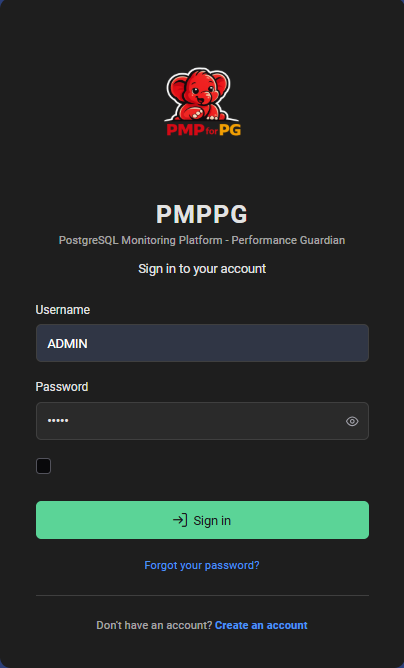
You will be presented with the PMP4PG login page.
Signing In
Enter your credentials:
| Field | Description |
|---|---|
| Username | Your PMP4PG username (assigned by an administrator) |
| Password | Your account password |
Click Sign In to access the platform.
First Login
On a fresh installation, a default administrator account is created automatically:
| Field | Default Value |
|---|---|
| Username | admin |
| Password | admin |
Log in with the default credentials, navigate to your profile settings, and change the password before deploying PMP4PG in any environment accessible from a network.
After Login
Upon successful authentication, you are redirected to the Global Dashboard — the main entry point of the platform.
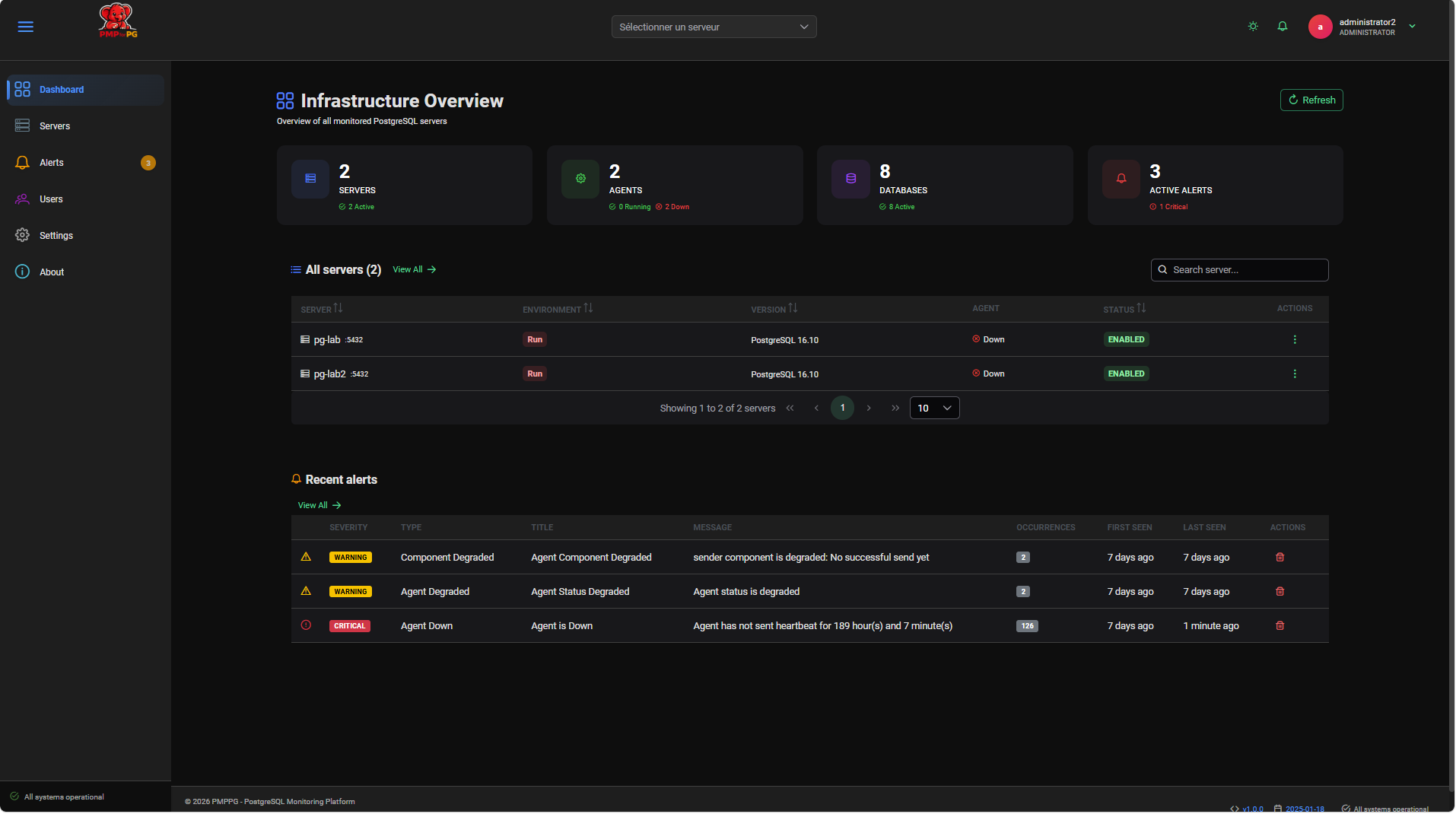
The top navigation bar provides access to all platform sections:
| Section | Description |
|---|---|
| Dashboard | Global fleet overview |
| Servers | Servers list and management |
| Alerts | Active and historical alerts |
| Users | User management (administrators only) |
Session Management
- Sessions remain active for a configurable duration (default: 8 hours)
- Closing the browser tab does not immediately terminate the session
- Click your username in the top-right corner and select Logout to explicitly end the session
Troubleshooting Login Issues
Invalid credentials
Double-check your username and password. Passwords are case-sensitive.
Contact your platform administrator to reset your password if needed.
Cannot reach the login page
- Verify the platform URL is correct
- Check that the Nginx web server is running on the frontend host
- Confirm that the backend is running and healthy (the frontend depends on it for authentication)
# On the platform host
systemctl status nginx
systemctl status pmp4pg-backend